---
title: "Page References"
description: "Pull a sibling page's title and content into the prompt with an @page:// mention – the AI sees structured cross-page context."
canonical_url: "https://kirby.tools/docs/copilot/prompt-dialog/page-references"
---
# Page References
> Pull a sibling page's title and content into the prompt with an @page:// mention – the AI sees structured cross-page context.
Use page references when the AI needs full content from another page – product specs, prior posts, sibling articles. For values inside the same page, use [placeholders](/docs/copilot/prompt-dialog/placeholders) instead.
## Syntax
A page reference uses the `@page://` prefix followed by the Kirby page ID:
```text
@page://page-id
```
For example, `@page://blog/my-post` or `@page://about`. Page reference tokens are highlighted in blue in the prompt editor.
## Inserting via the Toolbar
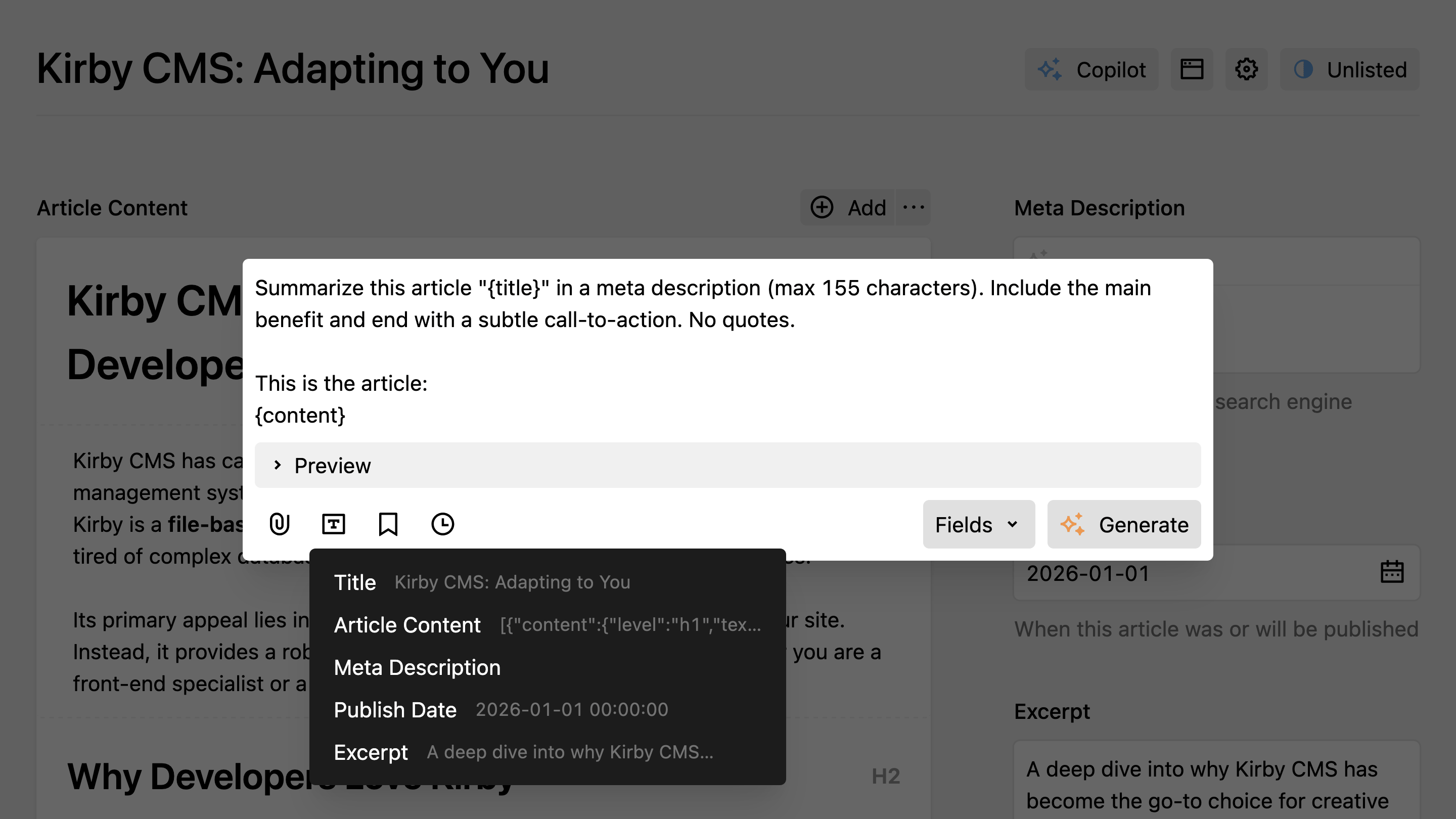
Use the snippet/placeholder dropdown button in the prompt dialog toolbar and select
**Include page**. This opens Kirby's page picker, and selected pages are inserted at the current cursor position.
## Manual Typing
You can also type `@page://...` directly in the prompt editor. Syntax highlighting appears as you type.
## How It Works
When the prompt is submitted, referenced page IDs are extracted from the prompt text. Each page's title and content are fetched via Kirby's API and appended to the prompt in `` XML blocks. Duplicate references are resolved automatically.
For example, if your prompt contains:
```text
Compare the features of these two products:
@page://products/basic
@page://products/pro
```
The AI receives your prompt text along with the resolved content of both pages as structured context.
The `@page://` tokens remain visible in the prompt text. The AI receives both the tokens and the resolved page content.
## Example Use Case
Generate a comparison or summary that references content from other pages:
```text
Compare the features of these two products:
@page://products/basic
@page://products/pro
```
Or pull in context from a related page while writing:
```text
Write a blog post introduction that references our company mission:
@page://about
```
For reusable prompt instructions that share the same `@…://` mention syntax, see **Skills**.
---
Every page of this site as Markdown: